

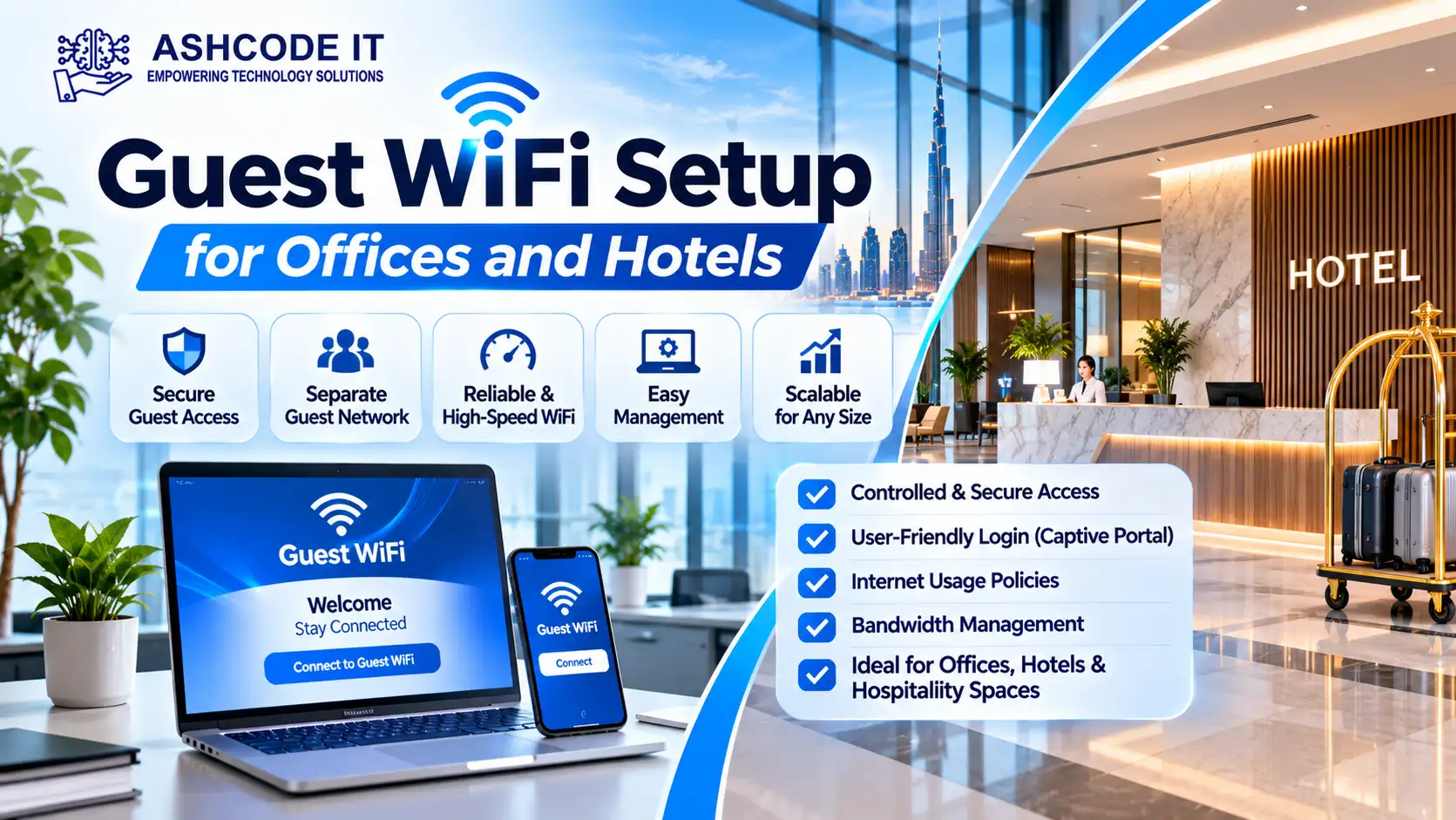
Guest WiFi Setup for Offices and Hotels allows visitors, customers, business partners and hotel guests to access the internet without connecting to an organisation’s private network. A properly configured guest wireless network provides convenient internet access while helping protect internal systems, business information and connected devices.
Offices use guest WiFi for visitors, meetings and temporary access, while hotels depend on wireless connectivity to improve the guest experience across rooms, lobbies, restaurants and conference facilities.
However, simply installing a wireless router and sharing its password is not enough. Businesses need appropriate network separation, access controls, bandwidth management, authentication and monitoring to operate a secure guest WiFi service.
This guide explains how guest WiFi works, the essential setup requirements and the security practices offices and hotels should consider.
Table of Contents
ToggleWhat Is a Guest WiFi Network?
A guest WiFi network is a separate wireless network created for visitors and users who do not need access to an organisation’s internal IT resources.
It allows authorised guests to connect to the internet while keeping their devices separate from business computers, servers, printers and other private systems.
For example:
Office visitors can access the internet during meetings.
Hotel guests can connect their smartphones and laptops.
Conference attendees can use WiFi during events.
Customers can access wireless internet in waiting areas.
Contractors can receive temporary internet access.
Guest WiFi is commonly configured through a separate SSID (Service Set Identifier), which is the network name users see when searching for available wireless connections.
Why Do Offices and Hotels Need Guest WiFi?
Guest wireless access is useful for organisations that regularly welcome visitors or provide internet services to customers.
1. Better Visitor Experience
Visitors expect internet access when attending meetings, events or appointments.
A dedicated guest network allows them to connect their devices without requesting access to the company’s internal network.
2. Protect Internal Business Systems
Separating guest devices from the corporate network reduces the risk of visitors accessing internal resources.
Guest users should not automatically have access to:
Employee computers
Business servers
Internal applications
Network printers
Shared folders
Management systems
Security devices
Network separation helps limit unnecessary access.
3. Support Hotel Guest Services
Hotels need wireless coverage across different areas, including guest rooms, reception areas, restaurants, lounges and meeting rooms.
A properly planned guest WiFi service allows guests to use their personal devices for browsing, communication, streaming and online services.
4. Support Meetings and Events
Businesses frequently organise meetings, training sessions, conferences and workshops.
A guest network provides internet access to attendees without requiring changes to the main corporate network.
5. Manage Internet Usage
Guest WiFi systems can include bandwidth limits, session controls and access policies.
These features help administrators manage internet usage and maintain network performance for different users.
How Does Guest WiFi Work?
A guest WiFi network usually operates through wireless access points connected to a business network.
The basic setup includes:
Internet connection: The organisation receives internet connectivity through its service provider.
Router or firewall: Network traffic is controlled and routed according to security policies.
Network switch: Ethernet connections link access points and other network equipment.
Wireless access points: Access points broadcast the guest WiFi network.
SSID: Visitors select the guest network name on their devices.
Authentication: Users connect through a password, captive portal, voucher or another approved method.
Network isolation: Firewall and VLAN policies restrict access to internal systems.
The configuration depends on the organisation’s size, network equipment, number of users and security requirements.
Essential Components of a Guest WiFi Setup
A professional guest WiFi installation involves several hardware and software components.
Wireless Access Points
Wireless access points provide WiFi coverage throughout the premises.
Offices may require access points in reception areas, meeting rooms and visitor spaces. Hotels may need multiple access points across floors, corridors, guest rooms and common areas.
Access point placement should consider:
Building layout
Wall and ceiling materials
Expected number of users
Wireless interference
Coverage requirements
Internet usage patterns
A wireless site survey can help identify suitable access point locations.
Router and Firewall
A router connects the local network to the internet, while a firewall enforces security policies between network segments.
For guest WiFi, firewall rules should restrict access to internal business resources and allow only the services guests need.
Managed Network Switches
Managed switches help administrators configure VLANs, monitor ports and manage network traffic.
Power over Ethernet (PoE) switches can also supply electrical power to compatible wireless access points through Ethernet cables.
VLAN Configuration
A Virtual Local Area Network (VLAN) separates network traffic logically, even when devices share physical network infrastructure.
For example:
| Network | Purpose |
|---|---|
| Corporate VLAN | Employee computers and business systems |
| Guest VLAN | Visitor and customer internet access |
| Server VLAN | Business servers and internal applications |
| Management VLAN | Network equipment administration |
| CCTV VLAN | Surveillance cameras and recording devices |
The firewall should control communication between these networks. Creating separate VLANs alone does not guarantee security.
Captive Portal
A captive portal is a login or welcome page that appears when a user connects to a guest WiFi network.
It can provide:
Terms and conditions
Guest login
Voucher authentication
Temporary access codes
Hotel room or booking authentication
Usage information
Custom branding
Captive portals are particularly useful in hotels, hospitality venues and larger office environments.
How to Set Up Guest WiFi for an Office
Office guest WiFi should provide convenient visitor access without exposing company systems.
Step 1: Assess Office WiFi Requirements
Start by identifying the areas where visitors need wireless access.
Consider:
Reception areas
Meeting rooms
Conference spaces
Training rooms
Waiting areas
Shared workspaces
Estimate the number of simultaneous guest connections and the type of internet usage expected.
Step 2: Create a Separate Guest SSID
Configure a dedicated wireless network name for visitors.
For example:
Office-Corporate
Office-Guest
The guest network should use separate security and access policies from the employee network.
Step 3: Configure a Guest VLAN
Assign guest WiFi traffic to a dedicated VLAN.
Use firewall rules to prevent guest devices from accessing private IP ranges, internal servers, employee devices and network management interfaces.
Only the necessary internet services should be permitted.
Step 4: Configure Authentication
Depending on office requirements, guest access may use:
A shared password
Temporary access codes
Captive portal login
Voucher-based access
For organisations with frequent visitors, temporary credentials can be easier to manage than distributing a permanent password.
Step 5: Apply Bandwidth Restrictions
Set appropriate bandwidth limits to prevent a small number of users from consuming excessive network resources.
Administrators may configure different limits for browsing, video calls, downloads and other activities based on business requirements.
Step 6: Test the Network
Test guest connectivity using different devices.
Confirm that users can access the internet but cannot reach internal business systems or network equipment.
How to Set Up Guest WiFi for Hotels
Hotel guest WiFi requires additional planning because the network may serve hundreds of users across multiple floors and shared facilities.
1. Plan Wireless Coverage
A hotel may require wireless access points in:
Guest rooms
Reception and lobby
Restaurants
Conference rooms
Swimming pool areas
Business centres
Corridors
Lounges
A site survey helps determine the number and placement of access points required for coverage and capacity.
2. Configure Room-Based Authentication
Hotels may provide guest access through a captive portal.
Depending on the hotel management system and network platform, guests may authenticate using:
Room number and surname
Booking reference
Guest access code
Voucher
Reception-issued credentials
The authentication method should be selected according to the hotel’s operational requirements and available system integrations.
3. Support Multiple Devices
Hotel guests may connect several devices, including smartphones, tablets and laptops.
The wireless system should be planned for the expected number of devices per room and the total number of simultaneous users.
4. Configure Network Roaming
Guests should be able to move between hotel areas without repeatedly reconnecting where the wireless system supports seamless roaming.
Correct access point placement, channel planning and compatible roaming configurations help improve connectivity.
5. Manage Guest Bandwidth
Bandwidth policies can help distribute available internet capacity across users.
Hotels may also consider separate policies for guest rooms, conference facilities and staff networks.
6. Protect Hotel Operations
The guest network should remain separate from hotel operational systems such as:
Property management systems
Payment systems
Staff computers
Internal servers
CCTV networks
Access control systems
Administrative devices
Firewall policies should prevent unauthorised communication between guest devices and these systems.
Guest WiFi Security Best Practices
Security is one of the most important parts of guest wireless network design.
A poorly configured guest network may expose business systems to unnecessary risks.
Use Network Segmentation
Separate guest traffic from corporate and operational networks using VLANs and firewall policies.
Enable Client Isolation
Client isolation prevents guest devices connected to the same wireless network from communicating directly with one another, where supported by the wireless platform.
This can reduce certain risks associated with untrusted devices sharing the same network.
Use Appropriate Encryption
Use modern wireless security settings supported by the access points and guest devices.
WPA2-AES or WPA3 should be considered according to equipment compatibility and deployment requirements. Avoid outdated encryption methods.
Apply Access Restrictions
Restrict guest access to the internet and essential network services only.
Do not allow guest users to access network administration interfaces, internal servers or private business resources.
Configure Session Controls
Set suitable session durations, idle timeouts and authentication policies.
For hotels and public guest networks, these controls can help manage temporary access.
Monitor Network Activity
Administrators should review network logs and alerts for unusual activity, excessive bandwidth consumption and suspicious connection patterns.
Monitoring should follow applicable privacy and data protection requirements.
Keep Network Equipment Updated
Update access point firmware, router software, firewall firmware and network management systems according to vendor recommendations.
Security updates help address known vulnerabilities.
Common Guest WiFi Problems and Solutions
| Common issue | Possible cause | Recommended action |
|---|---|---|
| Weak WiFi signal | Poor access point placement or interference | Conduct a site survey and adjust access point locations |
| Slow internet | Congestion or insufficient bandwidth | Review capacity and apply bandwidth policies |
| Login page not appearing | Captive portal or DNS configuration issue | Check portal and network settings |
| Users cannot connect | Incorrect password or authentication failure | Review credentials and access policies |
| Frequent disconnections | Interference, roaming or coverage problems | Review channel planning and access point configuration |
| Internal network exposure | Incorrect VLAN or firewall rules | Review segmentation and access restrictions |
| Some devices cannot connect | Compatibility or security configuration | Check supported WiFi standards and authentication settings |
Guest WiFi for Offices vs Hotels
Although both environments require visitor internet access, their network requirements are different.
| Requirement | Offices | Hotels |
|---|---|---|
| Main users | Visitors, clients and contractors | Guests and visitors |
| Authentication | Passwords, temporary codes or captive portals | Room-based login, vouchers or guest credentials |
| Coverage | Reception, meeting rooms and visitor areas | Guest rooms, lobbies and shared facilities |
| User volume | Depends on office visitors and events | Often higher and distributed across floors |
| Device usage | Laptops, phones and tablets | Multiple personal devices per guest |
| Bandwidth management | Meeting and browsing requirements | Browsing, streaming and guest services |
| Network separation | Guest and corporate networks | Guest, staff and hotel operational networks |
The right design depends on building size, expected usage, equipment and operational requirements.
When Should a Business Upgrade Its Guest WiFi?
An existing guest WiFi network may need improvement when users regularly experience connection problems or the organisation’s requirements change.
Consider reviewing the setup when:
WiFi coverage is weak in important areas.
Visitors frequently report slow internet.
The number of connected devices has increased.
Access points are outdated.
Guest devices can reach internal resources.
Captive portal authentication is unreliable.
Network monitoring is limited.
The business has expanded to additional floors or locations.
A network assessment can identify whether the problem involves access point capacity, interference, cabling, bandwidth or configuration.
Professional Guest WiFi Setup in Dubai
Businesses and hotels in Dubai need wireless networks that support visitors while protecting private systems and business information.
A professional guest WiFi project should include network planning, wireless coverage assessment, access point installation, VLAN configuration, firewall rules, authentication and performance testing.
Ashcode IT, based in Dubai, UAE, provides IT infrastructure and networking services for businesses. Its services include wireless networking, WiFi installation, network infrastructure, firewall solutions, structured cabling and IT support.
Ashcode IT can help organisations assess their wireless requirements and implement guest network configurations based on their premises, equipment and operational needs.
Phone: +971 50 915 4423
Email: [email protected]
Website: https://ashcodeit.com/
Frequently Asked Questions
What is guest WiFi?
Guest WiFi is a separate wireless network that allows visitors, customers and temporary users to access the internet without connecting to an organisation’s private network.
How do I set up guest WiFi in an office?
Create a separate guest SSID, assign it to a dedicated VLAN, configure firewall restrictions, choose an authentication method and test that visitors can access the internet without reaching internal systems.
How does hotel guest WiFi work?
Hotel guest WiFi typically uses wireless access points across guest rooms and shared areas. Guests may connect through a password, captive portal, room-based authentication or temporary access code.
Should guest WiFi be on a separate network?
Yes. Guest traffic should be separated from corporate and operational networks using appropriate VLANs, firewall rules and access controls.
What is a captive portal in guest WiFi?
A captive portal is a login or welcome page that appears when users connect to a guest wireless network. It can provide terms and conditions, temporary credentials, vouchers or room-based authentication.
Can guest WiFi users access office computers?
They should not have access by default. Network segmentation and firewall policies should prevent guest devices from communicating with private business systems.
How can hotels improve guest WiFi coverage?
Hotels can conduct a wireless site survey, position access points appropriately, review interference, plan for simultaneous users and configure suitable roaming and bandwidth policies.
What is the difference between guest WiFi and employee WiFi?
Guest WiFi is designed for visitors and internet access, while employee WiFi connects authorised staff to approved business resources. They should have separate access policies and security controls.
Is a password enough to secure guest WiFi?
A password alone is not sufficient for a properly managed guest network. Businesses should also consider network separation, firewall restrictions, client isolation, encryption, session controls and monitoring.
Final Thoughts
Guest WiFi Setup for Offices and Hotels involves more than providing visitors with an internet password. Organisations need appropriate wireless coverage, network segmentation, authentication, bandwidth management and security controls.
Offices should focus on protecting internal business systems while providing convenient visitor access. Hotels should also consider room coverage, multiple devices, authentication and roaming across the property.
With proper planning and configuration, businesses can provide guest internet access while keeping their corporate and operational networks separate.

Senior SEO Specialist | WordPress SEO Expert | Content Strategist | Technical SEO Consultant
With over 5 years of experience in Search Engine Optimization (SEO), I specialize in helping businesses improve their online visibility, generate qualified organic traffic, and achieve sustainable search engine rankings. My expertise covers every aspect of SEO, from technical optimization and keyword research to content strategy, on-page SEO, and website performance improvements.
As a Senior SEO Specialist at Ashcode IT, I work closely with businesses across Dubai, the UAE, and international markets to build search-focused websites that deliver measurable results. I have extensive experience optimizing WordPress websites using industry-leading tools such as Rank Math SEO, Google Search Console, Google Analytics 4, Google Tag Manager, Microsoft Clarity, and Google Business Profile.
My core expertise includes:
• Technical SEO Audits• On-Page SEO Optimization• Keyword Research & Competitor Analysis• AI Search Optimization (AEO & GEO)• Content Strategy & SEO Copywriting• WordPress SEO & Performance Optimization• Local SEO & Google Business Profile Optimization• Core Web Vitals & Website Speed Optimization• Structured Data (Schema Markup)• Internal Linking & Site Architecture• Link Building Strategy• E-commerce SEO• SEO Reporting & Analytics
Beyond traditional SEO, I specialize in creating AI-optimized content that performs well across modern search platforms, including Google AI Overviews, ChatGPT, Gemini, Claude, and Perplexity. My content strategy focuses on answering real user questions, improving topical authority, and increasing visibility in AI-powered search experiences.
I have written and optimized hundreds of SEO-focused landing pages, service pages, and blog articles across industries including:
Information Technology (IT)
Managed IT Services
Cybersecurity
Cloud Computing
CCTV & Security Solutions
Network Infrastructure
Structured Cabling
AV & Event Technology
Laptop & IT Equipment Rentals
Business Technology Solutions
My approach combines technical expertise with data-driven decision-making to create websites that not only rank well but also provide an excellent user experience. I continuously stay updated with Google’s algorithm changes, emerging SEO trends, and AI-driven search developments to ensure every strategy follows current best practices.
Whether it’s improving technical SEO, building topical authority, optimizing WordPress websites, or developing high-performing content strategies, my goal is to help businesses strengthen their online presence and achieve long-term organic growth.