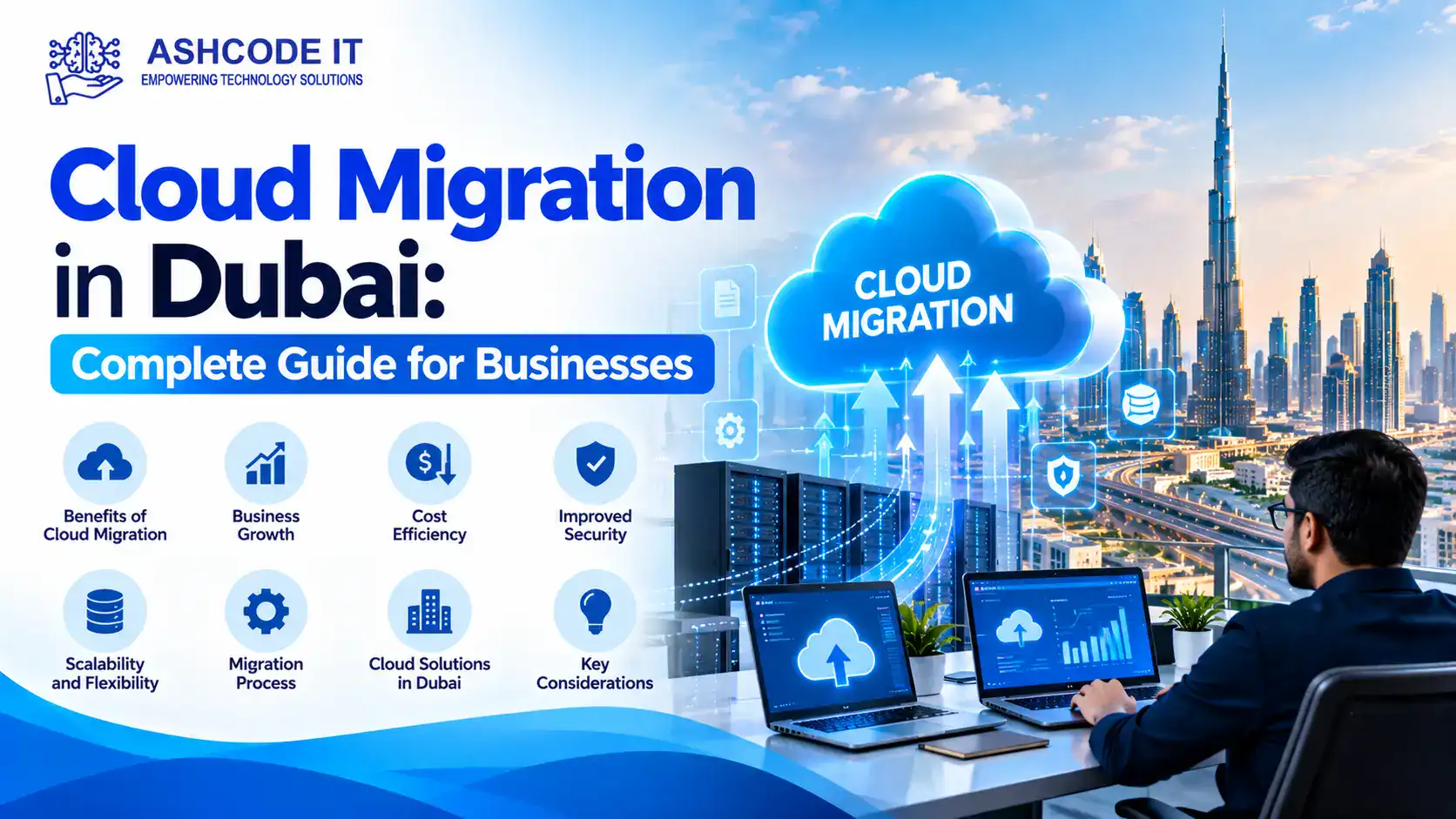
Cloud Migration in Dubai helps businesses move their applications, files, databases, email systems, and IT workloads from local servers to cloud platforms. For organizations managing growing data volumes, remote teams, and multiple business applications, cloud migration can improve access to information, simplify IT management, and support business continuity.
However, moving to the cloud requires more than transferring files. Businesses must assess their existing infrastructure, select suitable cloud services, protect sensitive information, and plan the migration to avoid unnecessary downtime.
This guide explains how cloud migration works, its benefits, the steps involved, and the key considerations for businesses in Dubai and across the UAE.
What Is Cloud Migration?
Cloud migration is the process of transferring digital resources from on-premises servers, private data centres, or existing cloud platforms to another cloud environment.
Depending on business requirements, a migration project may include:
Business applications and databases
Company files and shared folders
Email and collaboration platforms
Virtual machines and servers
Backup and disaster recovery systems
Customer relationship management software
Development and testing environments
Some businesses move their entire infrastructure to the cloud, while others migrate only selected systems. A hybrid approach allows companies to keep certain workloads on local servers while moving other services to the cloud.
Organizations across Dubai use cloud technology to support daily operations, improve access to business information, and reduce dependence on ageing physical infrastructure.
1. Access Business Data from Different Locations
Cloud platforms allow authorized employees to access applications and files from approved locations and devices. This can support hybrid work, multiple office locations, and collaboration between teams.
Access should be controlled through appropriate permissions, multifactor authentication, and device security policies.
2. Reduce Dependence on Physical Servers
Maintaining on-premises servers requires hardware, electricity, cooling, physical space, and regular maintenance.
Moving suitable workloads to the cloud can reduce some of these responsibilities. However, cloud migration does not automatically lower costs. Businesses must account for subscriptions, storage, network traffic, software licensing, support, and data transfer charges.
3. Improve Backup and Business Continuity
Cloud services can support backup, disaster recovery, and restoration of critical business information.
A properly designed solution can help businesses recover from hardware failure, accidental deletion, or certain cyber incidents. Cloud storage alone is not a complete backup strategy; organizations should configure retention, access controls, recovery procedures, and regular restoration tests.
4. Support Business Growth
Cloud resources can be adjusted as computing, storage, and application requirements change. This can help businesses respond to increased demand without purchasing all the necessary hardware in advance.
Capacity should still be monitored to prevent performance issues and unexpected charges.
5. Improve IT Management
Cloud management tools provide visibility into resource usage, access permissions, system performance, and security settings.
With appropriate monitoring and maintenance, IT teams can manage many workloads through centralized administrative tools.
Types of Cloud Migration
Choosing the right migration approach is an important part of planning.
Public Cloud Migration
Public cloud services provide computing, storage, databases, and other resources through a cloud provider. Businesses share the provider’s underlying infrastructure while maintaining separate accounts and access controls.
This option can suit organizations that need flexible resources without operating their own data centre.
Private Cloud Migration
A private cloud environment is dedicated to one organization. It may be hosted on company premises or by a service provider.
This model may suit businesses with specific infrastructure, governance, or security requirements, although costs and management responsibilities vary.
Hybrid Cloud Migration
Hybrid cloud combines cloud services with on-premises infrastructure. For example, a business might move email and collaboration to the cloud while keeping a specialist application on a local server.
This approach can be useful when certain workloads have technical, contractual, or operational reasons to remain on-site.
Cloud-to-Cloud Migration
Cloud-to-cloud migration involves moving applications or data from one cloud provider or environment to another. Businesses may consider this when requirements change, services need consolidation, or a different platform offers a better technical fit.
Step-by-Step Cloud Migration Process
A structured migration plan helps reduce disruption and makes it easier to identify problems before they affect business operations.
Step 1: Assess Your Existing IT Infrastructure
Start by documenting servers, applications, databases, storage, network connections, software licences, and dependencies.
Identify which systems are business-critical, which contain sensitive information, and which applications may need updates before migration.
Step 2: Define Business Objectives
Establish what the migration should achieve. Objectives may include improving remote access, replacing ageing hardware, improving recovery capabilities, or reducing the effort required to maintain specific systems.
Set measurable targets for performance, downtime, security, and budget.
Step 3: Choose the Right Cloud Platform
Evaluate platforms such as Microsoft Azure and Amazon Web Services (AWS), along with other suitable cloud or managed hosting providers.
Compare:
Available services and technical compatibility
Data storage and processing locations
Security and access management features
Backup and disaster recovery options
Licensing and ongoing costs
Support availability
Exit and data portability arrangements
The best choice depends on your applications, existing technology, compliance obligations, and internal IT capabilities.
Step 4: Prepare Data and Applications
Before transferring data, remove unnecessary files, review permissions, verify software compatibility, and identify outdated applications.
Create a migration schedule that accounts for dependencies between systems. Establish a backup and rollback plan before making significant changes.
Step 5: Run a Pilot Migration
Begin with a low-risk application, test environment, or selected file share. Verify that the migrated system performs as expected and that users can access the correct information.
A pilot helps identify configuration issues before more critical workloads are moved.
Step 6: Migrate in Planned Stages
Move workloads according to the agreed schedule. Depending on the system, this may involve transferring data, configuring cloud resources, updating network connections, and switching users to the new environment.
Communicate planned downtime and provide support for employees during the transition.
Step 7: Test and Optimize
After migration, test application functionality, user access, performance, backups, security settings, and recovery procedures.
Monitor cloud usage and review billing regularly. Remove unused resources and adjust configurations where necessary.
Cloud Migration Security and UAE Compliance
Security and data protection should be considered before choosing a provider or moving business information.
The UAE Personal Data Protection Law establishes requirements for processing personal data and addresses issues such as confidentiality, data subject rights, and cross-border data transfers. Its applicability and any relevant exceptions should be assessed for the organization and the specific processing activity.
The UAE’s National Cloud Security Policy also highlights cloud governance, contractual responsibilities, data security, data location, identity and access management, incident handling, and cloud resilience.
Before migration, businesses should:
Classify information according to sensitivity.
Confirm where data will be stored, processed, and backed up.
Review contractual terms and applicable regulatory requirements.
Use encryption and appropriate key management.
Enable multifactor authentication and least-privilege access.
Configure security logging and alerting.
Test backup restoration and disaster recovery.
Document incident response and service exit procedures.
Businesses in regulated sectors, including financial services and healthcare, may have additional requirements. Organizations operating in the DIFC or other special regulatory environments should obtain advice relevant to their specific obligations.
Common Cloud Migration Challenges
Cloud migration can create operational and financial problems if planning is inadequate.
Unexpected costs: Data transfer, licensing, storage growth, and unused cloud resources can increase expenses. Estimate recurring costs and monitor actual usage.
Application compatibility: Older applications may not work correctly in a new environment. Test dependencies and determine whether an application needs modification or replacement.
Downtime: Poorly planned transfers can interrupt access to business systems. Use scheduled migration windows, testing, and rollback procedures.
Security misconfiguration: Incorrect permissions or exposed services can create security risks. Apply secure configurations and review access regularly.
Data loss or incomplete transfer: Data should be backed up and validated before the original system is decommissioned.
Employee adoption: Changes to applications and workflows can confuse users. Provide clear communication, training, and post-migration support.
How Much Does Cloud Migration Cost in Dubai?
There is no single price for cloud migration in Dubai. The total cost depends on the number of servers and applications, data volume, technical complexity, security requirements, licensing, and the level of professional support needed.
A small email or file-sharing migration will generally require a different budget from a project involving multiple servers, databases, business applications, and disaster recovery systems.
When requesting a quotation, ask for a breakdown of assessment, migration, testing, licensing, cloud consumption, backup, security, and ongoing management costs. Compare the expected total cost of ownership rather than looking only at the initial migration fee.
Cloud migration requires technical planning, careful data handling, security controls, and testing to ensure business systems continue to function after the move.
Ashcode IT, based in Dubai, UAE, provides IT infrastructure, cloud solutions, server services, cybersecurity, backup solutions, and technical support for businesses. Organizations planning a migration can assess their existing infrastructure, identify suitable workloads, and develop a migration plan based on their operational and security requirements.
For cloud migration and related IT infrastructure enquiries: