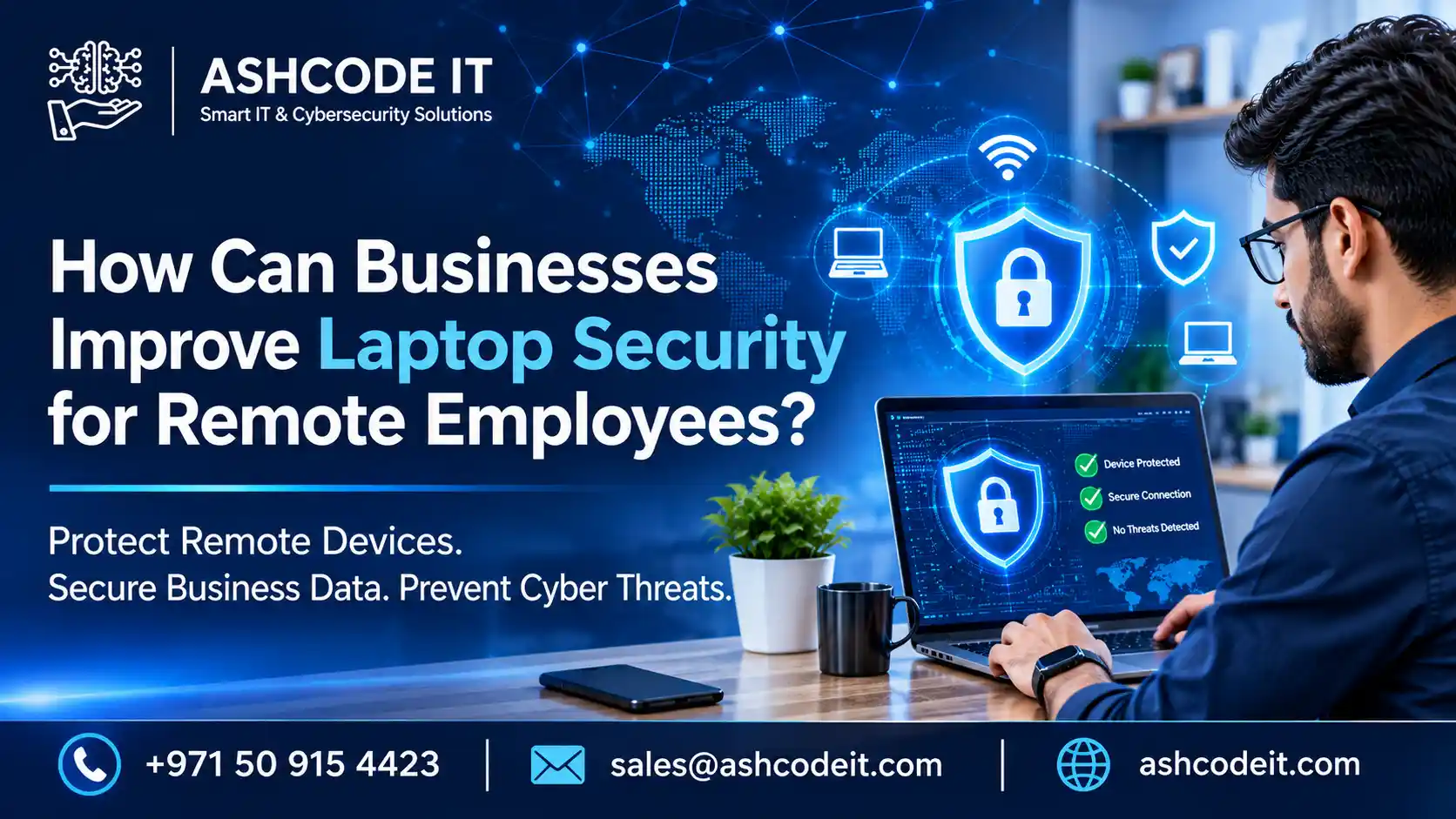
Modern businesses increasingly allow employees to work from home, travel for meetings and access company systems from different locations. Although remote working improves flexibility and productivity, it also introduces cybersecurity risks. Employees may connect to unsecured Wi-Fi networks, use laptops in public places or access confidential company information outside protected office networks.
Implementing effective laptop security for remote employees is essential for protecting company devices, business applications and sensitive information. Businesses need reliable endpoint protection, secure access controls, encryption and employee security policies to protect their remote workforce.
Ashcode IT helps organisations strengthen their IT environments through professional cybersecurity and IT support solutions.
Why Is Laptop Security for Remote Employees Important?
Office laptops generally operate behind company firewalls and internal security controls. However, employees working outside the office may connect to home networks, hotel Wi-Fi, airports and public hotspots. These environments can expose business devices to additional threats.
Effective laptop security for remote employees helps businesses reduce risks associated with remote access and mobile devices.
Without appropriate protection, organisations may experience:
Unauthorised access to company accounts.
Malware and ransomware infections.
Theft or loss of company laptops.
Exposure of confidential business information.
Compromised passwords and employee credentials.
Unsecured connections to business applications.
Data loss caused by unsafe file sharing.
Businesses should treat laptop security for remote employees as an essential part of their overall cybersecurity strategy rather than an optional IT requirement.
How Can Businesses Improve Laptop Security for Remote Employees?
Businesses should implement multiple security controls to protect devices used outside the office. A combination of endpoint protection, encryption, authentication and device management provides stronger protection than relying on antivirus software alone.
A structured laptop security for remote employees policy should cover the following measures.
Should Businesses Install Endpoint Security Software?
Yes. Endpoint security software helps protect employee laptops against malware, ransomware, suspicious applications and other cyber threats.
Businesses should deploy centrally managed endpoint security solutions that allow IT administrators to monitor devices, apply security policies and investigate potential threats.
An effective laptop security for remote employees programme should include:
Real-time malware and threat detection.
Endpoint monitoring and security alerts.
Protection against malicious downloads.
Regular security scans.
Centralised management of company devices.
Investigation and response procedures for suspicious activity.
Organisations should also understand the difference between traditional antivirus software and broader endpoint protection. Read our guide on Endpoint Security vs Antivirus to understand how these approaches differ.
How Does Full-Disk Encryption Improve Laptop Security?
Full-disk encryption protects information stored on laptops by making it unreadable without the appropriate authentication or recovery credentials.
If an employee loses a laptop or it is stolen, encryption can reduce the risk of someone accessing confidential files directly from its storage.
For stronger laptop security for remote employees, businesses should:
Enable full-disk encryption on company laptops.
Secure encryption recovery keys.
Apply encryption policies consistently.
Verify encryption status through device management tools.
Establish procedures for lost or stolen devices.
Encryption is particularly important when employees handle customer information, financial documents or confidential company records outside the office.
Why Should Remote Employees Use Multi-Factor Authentication?
Passwords alone may not provide sufficient protection. Employees can accidentally share credentials through phishing websites or reuse weak passwords across multiple accounts.
Multi-factor authentication (MFA) adds another verification step before users can access company applications and systems.
Businesses should enable MFA for:
Using MFA strengthens laptop security for remote employees by reducing the risk of unauthorised access, even when a password has been compromised.
How Can Businesses Secure Wi-Fi Connections Used by Remote Employees?
Employees frequently connect laptops to home routers, hotel networks, airports and public Wi-Fi connections. These networks may not provide the same protection as managed corporate networks.
Businesses should establish clear guidelines for secure internet access.
Recommended practices include:
Use trusted and password-protected Wi-Fi networks.
Avoid accessing sensitive systems through unsecured public networks.
Use an approved business VPN when required.
Keep home router firmware updated.
Change default router administrator passwords.
Avoid sharing business laptops with unauthorised users.
Secure remote access is an important component of laptop security for remote employees because it helps protect communications between employee devices and company resources.
Why Should Businesses Keep Remote Employee Laptops Updated?
Outdated operating systems, browsers and applications can contain vulnerabilities that attackers may exploit.
Businesses should establish a patch management process to ensure company laptops receive important security updates.
An effective laptop security for remote employees policy should include:
Enabling automatic operating system updates where appropriate.
Updating browsers and business applications.
Removing unsupported software.
Monitoring devices that miss important security patches.
Scheduling regular maintenance and security reviews.
Consistent updates help reduce vulnerabilities and improve the overall protection of remote devices.
How Can Businesses Protect Company Data on Remote Laptops?
Employees may download company files, save documents locally or transfer information between devices. Without suitable controls, sensitive business data can become exposed.
Businesses should establish clear policies covering how employees store, access and share company information.
Important measures for laptop security for remote employees include:
Restricting access according to employee responsibilities.
Using approved cloud storage platforms.
Configuring automatic backups.
Applying data loss prevention policies where required.
Controlling removable storage devices.
Establishing procedures for reporting lost laptops.
A structured approach to laptop security for remote employees should also include employee training on confidential information handling, phishing emails and safe file sharing.
What Should Businesses Do When an Employee Laptop Is Lost or Stolen?
A lost or stolen business laptop can expose company information if suitable security controls are not in place.
Organisations should establish an incident response procedure that employees can follow immediately.
The process should include:
Report the missing laptop to the IT department immediately.
Disable or suspend affected user accounts when necessary.
Revoke active sessions and access credentials.
Use approved device management tools to remotely lock or wipe the device where appropriate.
Review account activity and access logs.
Investigate whether confidential information may have been exposed.
Having a clear response procedure is an important part of laptop security for remote employees because it helps businesses react quickly and limit the potential impact of device loss.
How Can Professional IT Support Strengthen Laptop Security for Remote Employees?
Managing employee laptops across different locations can become challenging without centralised IT management. Businesses need to monitor device compliance, maintain security software, manage updates and respond to potential incidents.
Professional IT support can help organisations establish device management policies, configure endpoint protection, manage user access and maintain secure remote working environments.
Ashcode IT provides Cyber Security Solutions in Dubai to help businesses improve protection against evolving cyber threats.
Organisations can also explore IT Support Services in Dubai for assistance with IT infrastructure, device management and technology requirements.
Professional support helps businesses maintain consistent laptop security for remote employees as their workforce and device requirements grow.