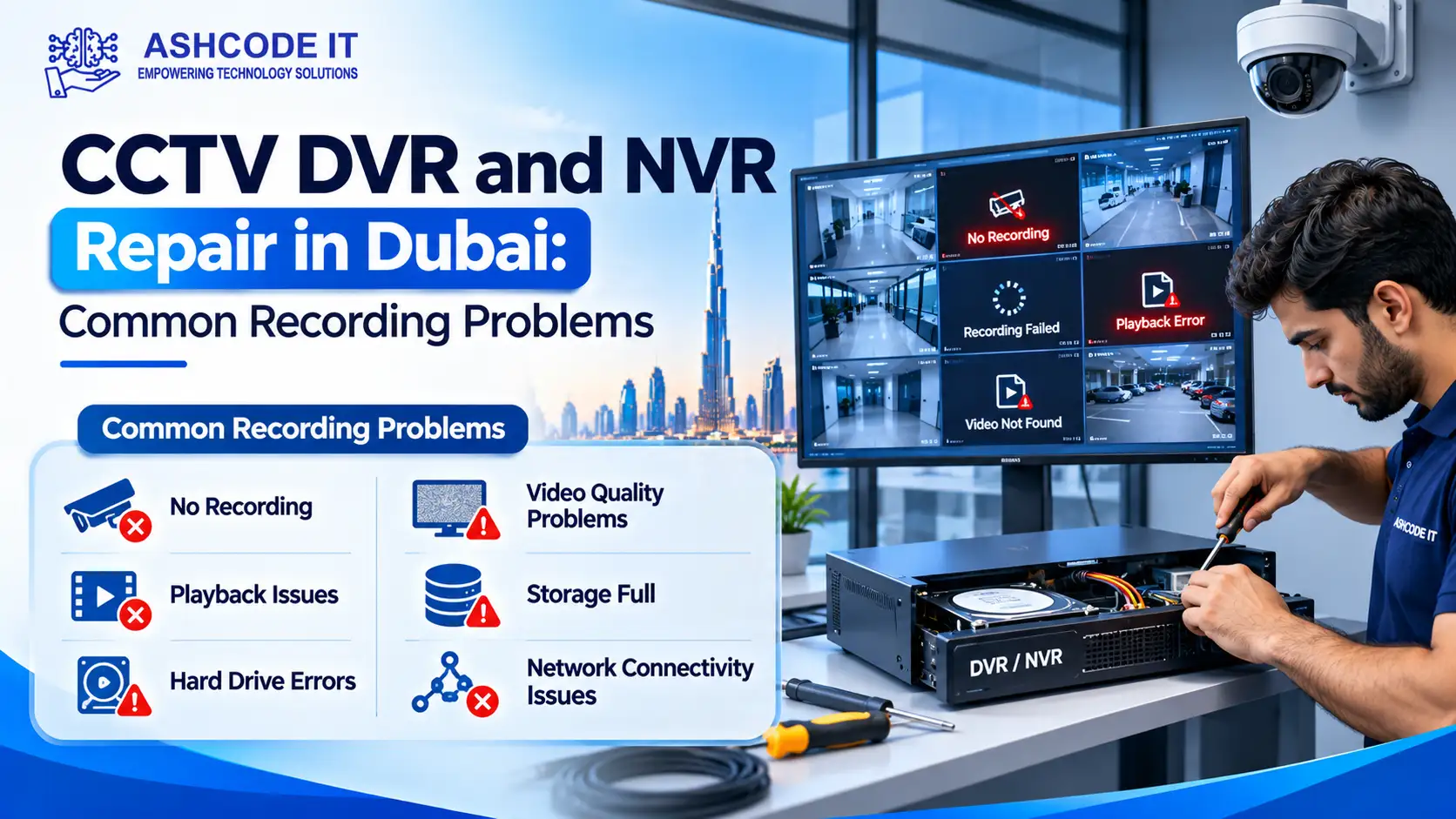
CCTV DVR and NVR Repair in Dubai is essential when a surveillance system stops recording, loses camera connections or fails to display saved footage. Even when cameras show live video, the recorder may not be storing footage correctly. This can leave businesses without important recordings when they need to investigate an incident.
DVR and NVR systems are widely used in offices, retail outlets, warehouses, hotels, residential buildings and commercial properties across Dubai. Like other electronic equipment, these systems can develop problems involving hard drives, power supplies, network connections, software settings and recording configurations.
Understanding common CCTV recording problems helps businesses recognise early warning signs and arrange the appropriate technical support.
What Is the Difference Between a DVR and an NVR?
Both Digital Video Recorders (DVRs) and Network Video Recorders (NVRs) store CCTV footage, but they process video differently.
Digital Video Recorder (DVR)
A DVR is generally used with analogue CCTV cameras. Cameras transmit video signals through coaxial cables to the recorder, where the footage is processed and stored.
DVR systems are commonly found in traditional CCTV installations and existing analogue surveillance setups.
Network Video Recorder (NVR)
An NVR works with IP cameras that transmit video over a network. Ethernet cables, network switches and Power over Ethernet (PoE) connections are commonly used in these installations.
NVR systems support network-based camera management and are often used in modern IP surveillance installations.
Both recorder types can experience recording failures, storage errors, playback issues and power problems. However, the repair and diagnostic procedures depend on the system architecture.
8 Common CCTV DVR and NVR Recording Problems
1. CCTV DVR or NVR Not Recording
A recorder that stops saving footage is one of the most serious CCTV problems.
The cameras may display live video, but the playback timeline may show no recordings for the selected period.
Possible causes:
Recording schedules are disabled.
Hard drive errors prevent storage.
The storage device is not detected.
Motion detection settings are incorrect.
Recording channels are disabled.
The recorder has configuration or software problems.
Storage capacity or retention settings are unsuitable.
How to diagnose it:
Check the recording schedule and confirm whether each camera channel is configured for continuous or motion-based recording. Review the HDD status and recorder event logs for warnings.
If the configuration appears correct but recording still fails, the recorder and storage device may require technical inspection.
2. DVR or NVR Hard Drive Not Detected
The hard drive stores surveillance recordings. When the recorder cannot detect it, recording and playback may become unavailable.
Common warning messages include:
HDD not detected
No storage device
HDD error
Abnormal disk status
Storage unavailable
Possible causes:
Loose SATA or power connections
Failed hard drive
Faulty power supply
Incompatible replacement drive
Damaged storage interface
How to resolve it:
A technician can inspect the connections, check the recorder’s storage settings and test the hard drive. If replacement is necessary, the new drive should be compatible with the recorder and suitable for continuous surveillance recording.
Do not format or initialise a drive if existing footage needs to be preserved.
3. CCTV Playback Not Working
A recorder may continue storing footage even when users cannot access it through the playback menu.
This problem can occur when the wrong camera channel, date or time range is selected. Storage read errors and damaged recording files can also affect playback.
Possible causes:
Incorrect date or time selection
Wrong camera channel
Playback filters configured incorrectly
Hard drive read errors
Recording file corruption
Software or firmware issues
How to diagnose it:
Select the correct camera channel and recording date. Check the recorder’s system clock and try accessing playback directly from the connected monitor.
If local playback works but remote playback fails, the issue may be related to the network or remote access configuration.
4. CCTV Recording Has Missing Time Periods
Recording gaps occur when a CCTV system fails to save footage continuously or during specific scheduled periods.
This can affect investigations because the required footage may not be available.
Possible causes:
For NVR systems, interruptions between IP cameras and the recorder may affect video transmission. For DVR systems, camera signal problems or power interruptions may cause recording gaps.
A technician should review the affected channel, event logs, storage status and connection history.
5. CCTV Recorder Keeps Beeping
Repeated beeping from a DVR or NVR usually indicates a system warning or exception.
Common reasons include:
The exact meaning depends on the recorder model and its configured alarm settings.
Rather than simply disabling the buzzer, check the event log and identify the warning. Ignoring a storage error may leave the surveillance system without usable recordings.
6. IP Cameras Showing Offline on the NVR
An NVR may show one or more cameras as offline when it cannot communicate with them.
Possible causes:
If one camera is offline, inspect its cable, power connection and network port. If multiple cameras disconnect simultaneously, check the network switch, PoE power capacity and recorder connectivity.
7. CCTV Footage Is Blurry, Pixelated or Freezing
Poor-quality recordings can make it difficult to identify people, vehicles or activities.
Possible causes:
Insufficient network bandwidth
Incorrect camera stream settings
Unstable network connections
Storage read errors
Camera signal problems
Recorder performance limitations
Damaged video files
For NVR installations, review camera resolution, bitrate, frame rate and network performance. For DVR installations, inspect the camera signal, coaxial cabling and recorder input.
The problem may originate from the camera or network rather than the recorder itself.
8. CCTV Remote Viewing Not Working
Businesses often access CCTV systems through mobile applications and desktop software. Remote viewing can fail even when the recorder and cameras are working locally.
Possible causes:
Internet connection failure
Router configuration changes
Incorrect network settings
DNS issues
Application login problems
Remote access configuration errors
Firmware compatibility problems
First, confirm whether live viewing and playback work directly on the recorder. If local access works, the technician can investigate the internet connection, router, remote access settings and application configuration.