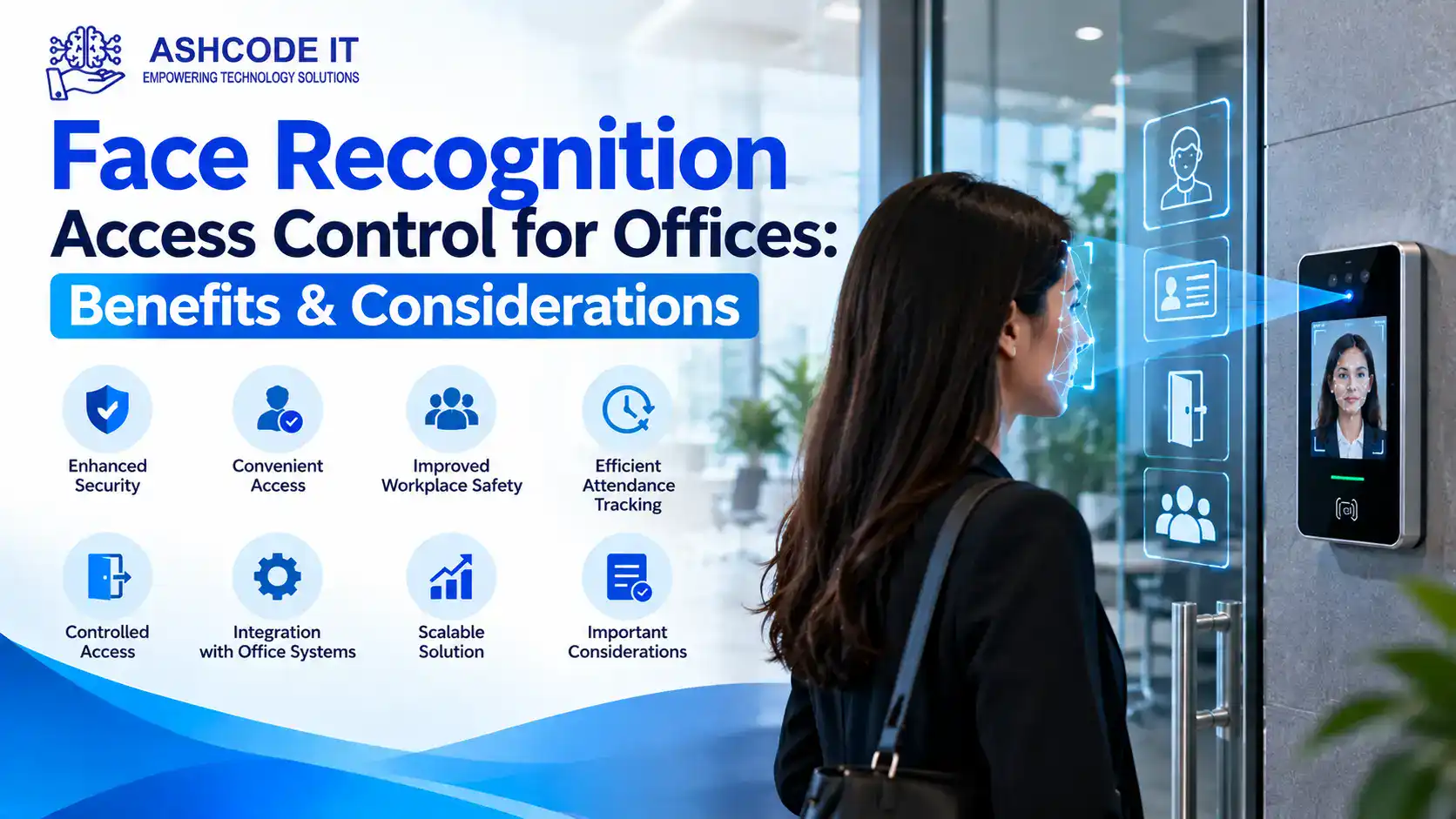
Face Recognition Access Control for Offices allows businesses to manage entry by verifying an employee’s face against an enrolled record. Instead of relying only on access cards, keys, or PINs, offices can use facial recognition terminals to authenticate users and grant access to approved areas.
For businesses in Dubai and across the UAE, this technology can support controlled entry, visitor management, and security operations. However, choosing a suitable system requires careful consideration of accuracy, privacy, cybersecurity, cost, and emergency access requirements.
What Is Face Recognition Access Control?
Face recognition access control uses a camera and recognition software to compare a live facial image with an authorised user’s stored reference or biometric template. If the match meets the configured threshold and the user has permission to enter, the system signals the door controller to unlock the door.
A complete installation may include:
Facial recognition terminals
Door controllers and electronic locks
Access management software
User enrolment and permission settings
Network connectivity and power supplies
Entry logs and reporting tools
Integration with CCTV or attendance systems
The system must verify both who the person is and whether that person is authorised to enter. Facial recognition alone should not determine access permissions.
Key Benefits of Face Recognition Access Control for Offices
1. Convenient, Contactless Entry
Employees can enter without presenting a physical card or remembering a PIN. This can simplify access at busy office entrances and reduce dependence on shared access credentials.
2. Better Control Over Employee Access
Administrators can assign permissions according to departments, job roles, working hours, or restricted areas. When an employee leaves or changes roles, authorised administrators can update or revoke access.
3. Reduced Risk of Card Sharing
Cards can be lost, borrowed, or shared. Facial recognition links an access attempt to an enrolled identity, although system accuracy and anti-spoofing capabilities must be assessed before relying on it for higher-security areas.
4. Easier Access Record Management
Compatible systems can record successful entries, denied attempts, and other access events. Security teams can use these records to review incidents and manage entry activity, subject to appropriate retention and privacy controls.
5. Integration With Existing Security Systems
Some facial recognition platforms can integrate with CCTV, visitor management, and employee attendance software. Integration can reduce duplicate administration, but compatibility should be confirmed for the exact hardware and software versions.
Important Considerations Before Installation
1. Accuracy and Lighting Conditions
Recognition performance can be affected by poor lighting, camera positioning, glare, changes in appearance, and the quality of the enrolled image. Businesses should test the system at the actual entrance during normal operating conditions.
Ask suppliers to explain false acceptance and false rejection rates rather than relying only on advertised accuracy percentages.
2. Privacy and Biometric Data Protection
Facial recognition involves processing biometric information. Before implementation, businesses should explain why the data is collected, who can access it, how it is protected, and when it will be deleted.
For UAE offices, assess applicable data protection requirements, including relevant UAE federal and free zone rules. Provide clear notices, establish an appropriate lawful basis, limit data retention, and offer an alternative entry method where appropriate. Seek legal advice when necessary.
3. Cybersecurity
Facial recognition systems can create additional risks if terminals, administrator accounts, or biometric databases are poorly protected.
Look for systems with encrypted communications, secure administrator authentication, access logging, regular firmware updates, and controlled remote access. Ask how biometric records are stored and protected against unauthorized copying.
4. Emergency Access and Power Failure
Electronic locks must work with the building’s applicable fire and life-safety arrangements. Confirm emergency release procedures, backup power requirements, and the system’s behaviour during network or power failure.
The final installation should be tested to ensure that access security does not obstruct safe evacuation.
5. Cost and Maintenance
The total cost depends on the number of doors, terminal capabilities, controllers, electronic locks, software licences, installation work, and maintenance requirements.
Request an itemized quotation that includes configuration, testing, staff training, warranty, and ongoing support.
Before purchasing, businesses should ask potential suppliers:
Does the terminal support effective liveness detection?
How does it perform in the office’s lighting conditions?
Can it integrate with existing access control and CCTV systems?
Where are facial templates and access logs stored?
Can user records be securely deleted when access is revoked?
What happens when recognition fails?
Are cards or PINs available as a fallback?
What warranty and maintenance services are included?
A site survey and practical demonstration can help confirm whether the proposed system meets the office’s security and operational requirements.
Face Recognition Access Control Solutions from Ashcode IT
Ashcode IT provides IT infrastructure, networking, cybersecurity, and technology support for businesses in Dubai and across the UAE. Organizations planning access control improvements can contact the team to discuss their requirements and confirm the availability of relevant services.
Contact Ashcode IT